Event calendar with your own brand
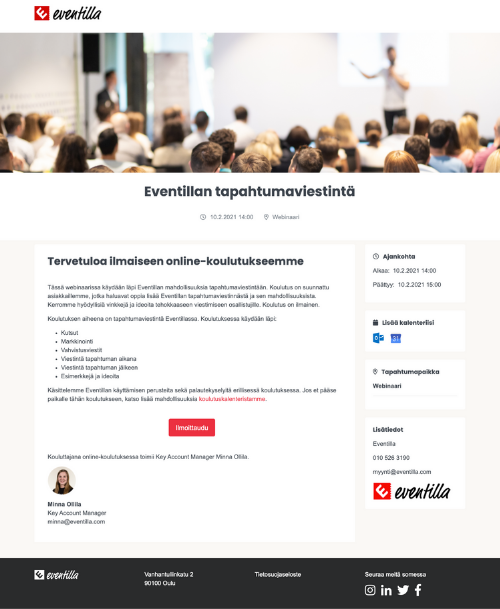
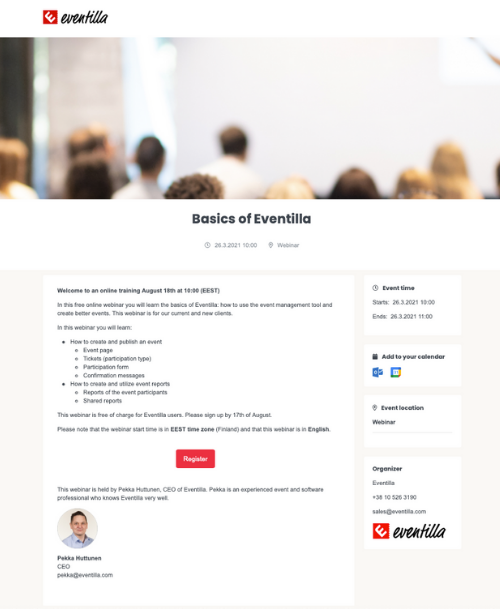
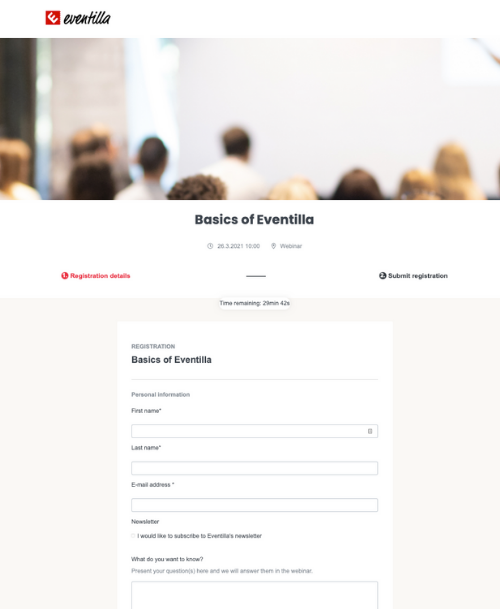
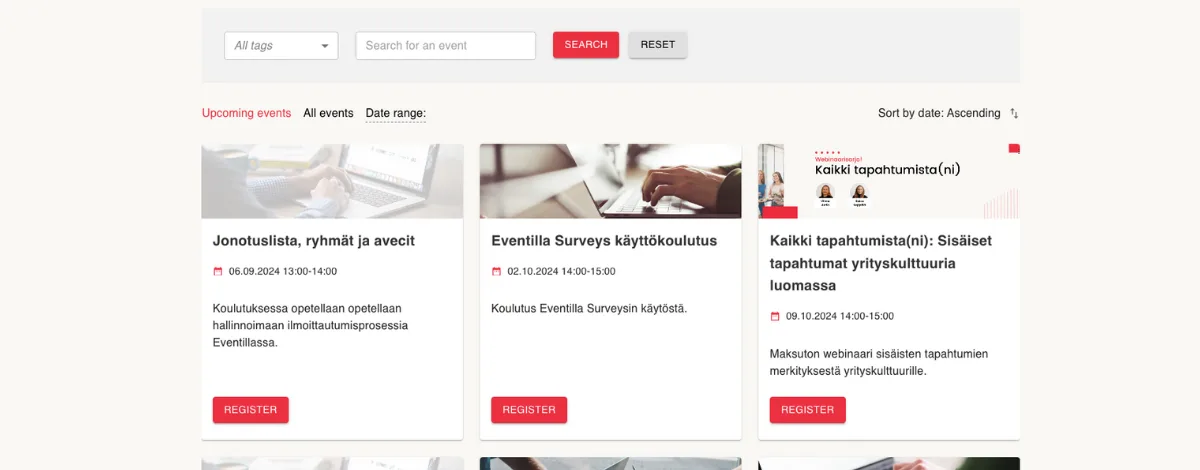
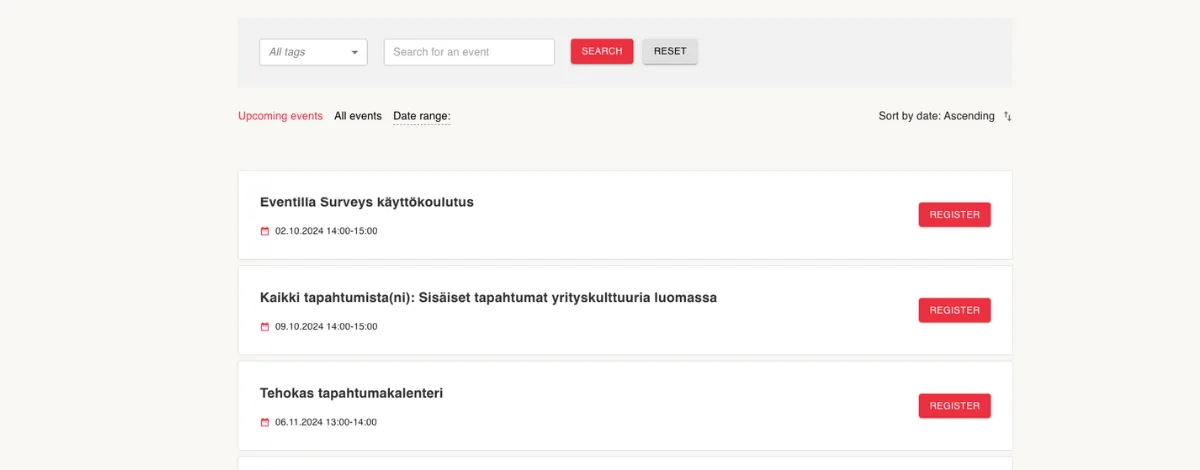
The event calendar is fully customizable to match your brand. Choose one or all of the three views: grid view, calendar view, or event listing. The event calendar becomes a seamless part of your website and supports registrations.
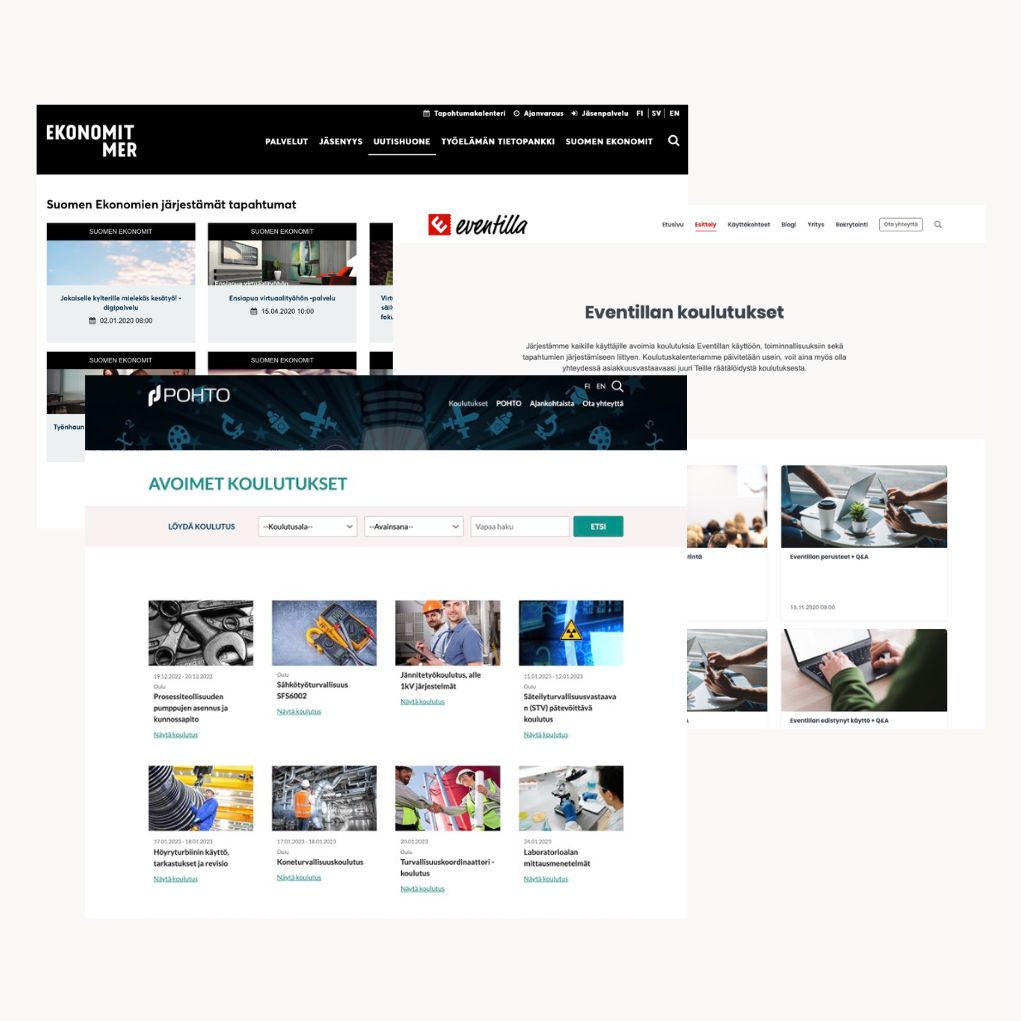
- Event calendar that matches your brand
- Three different views to choose from
- Seamless calendar encourages registrations

Event selection and filtering
Select the events shown in your event calendar using tags. For example, events marked as “public” can be displayed on your public website calendar, while internal events can be kept in a separate calendar. You can also create filters for website visitors — for example by location or topic.
- Select events to display using tags
- Create as many event calendars as you need
- Visitor filters by location or topic
Event calendar WordPress
Event calendar WordPress
Embed Eventilla’s event calendar on your WordPress site easily. We also offer a dedicated WordPress plugin that lets you bring events from Eventilla directly to your site — as an event calendar or a listing, and even as WordPress posts when needed.

Embed the calendar on any website
Eventilla’s event calendar works as a standalone page or it can be embedded on your website using JavaScript. For WordPress sites, the WordPress plugin makes publishing and updating events effortless.
- Embed an event calendar or event listing
- WordPress plugin for easy publishing
- Flexible options for different website needs
Eventilla is a business-critical service for us, enabling us to organize engaging webinars for our prospects and customers.
 Mika TiainenGrowth and Marketing Director, Liana Technologies








The event organization partner loved by customers.
More resources
Explore more content about event calendars
Get more out of your event calendar and improve conversions on your event pages. Here are a few helpful resources, including WordPress guidance.

Article: Effective event landing page
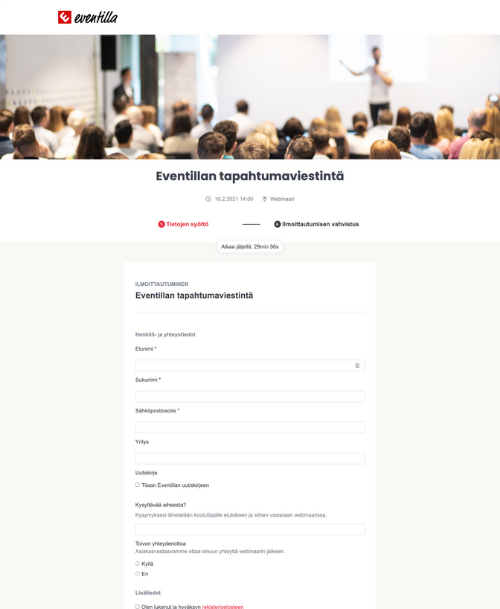
Make the most of the traffic your event calendar brings. Learn how to create an event page that guides visitors to register.

Guide: Event calendar WordPress plugin
Import events from Eventilla to your WordPress website as a calendar or listing, and keep everything updated automatically.

Article: Event communications
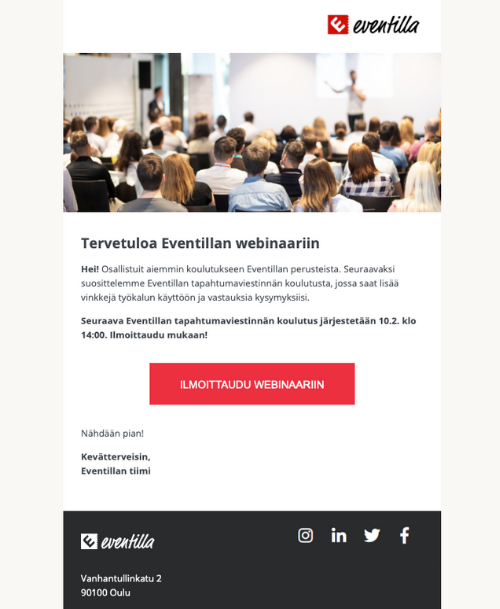
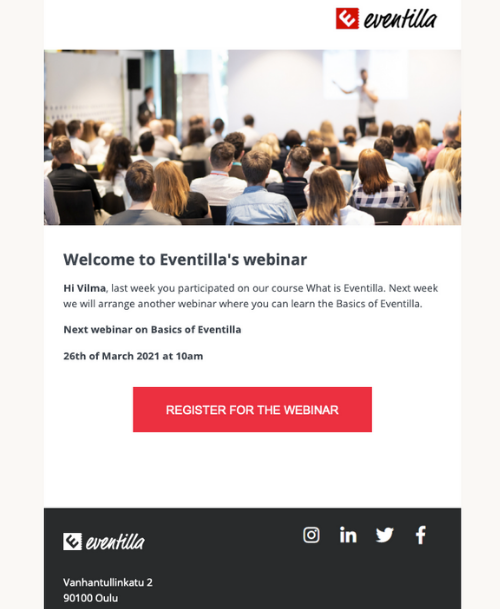
Support registrations with clear communication before, during and after your events — practical tips for marketers and organizers.